The original screenshots use the Chinese interface. The instructions below describe the same steps in English.
The installer adds PE to an existing Windows boot environment. Back up important data and boot configuration before proceeding. If startup does not complete, investigate the device model, PE version, boot method and drivers, and contact the maintenance team through the feedback channels if needed.
Install on your PC
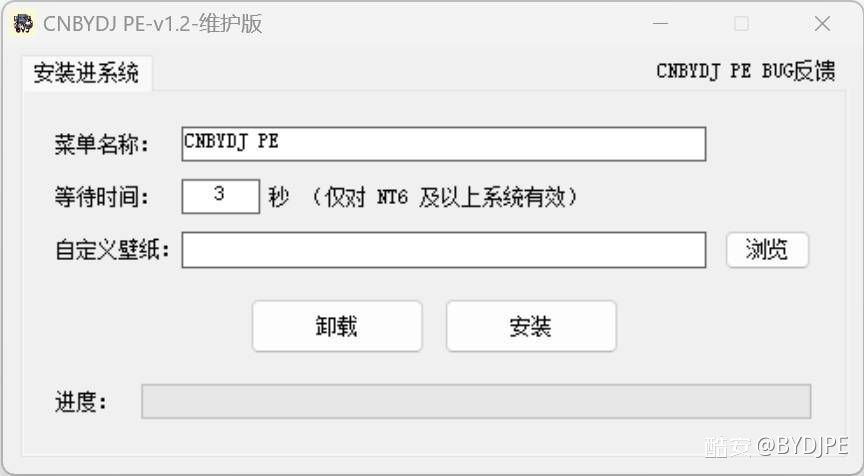
Use the installer shown below to install or uninstall PE.
The current installer provides installation into an existing Windows boot environment and uninstallation. It does not currently include USB media creation or ISO generation. The project’s prebuilt ISO images are separate downloads available from the download page.